How to show your book
A photo of a closed book doesn’t tell readers much. Here’s how to show what’s inside, how the flipbook works, and a sample you can try.
Try it
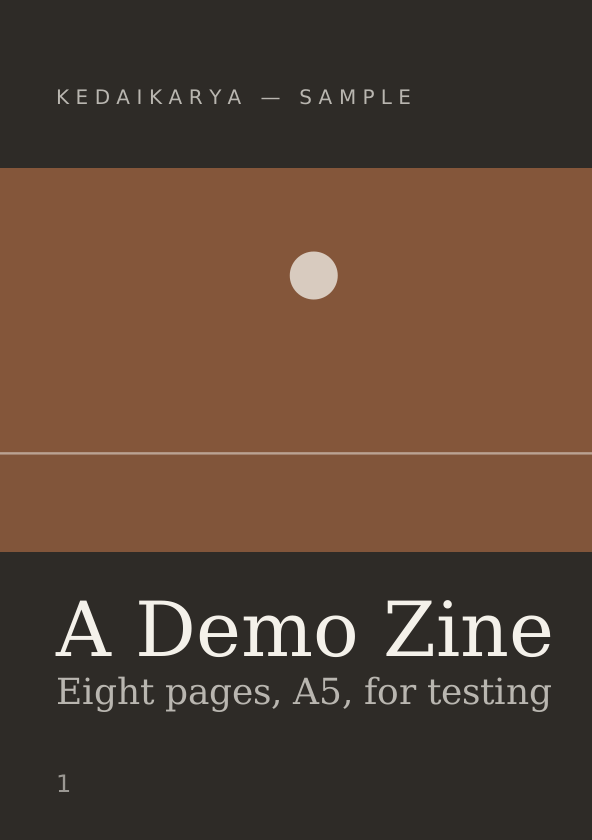
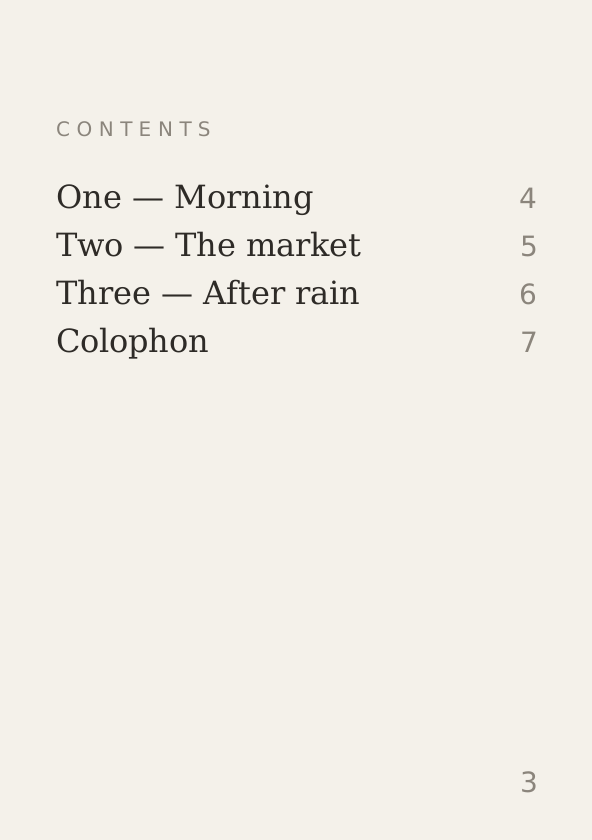
A sample 8-page zine: 5 spreads to turn. Use the arrows.
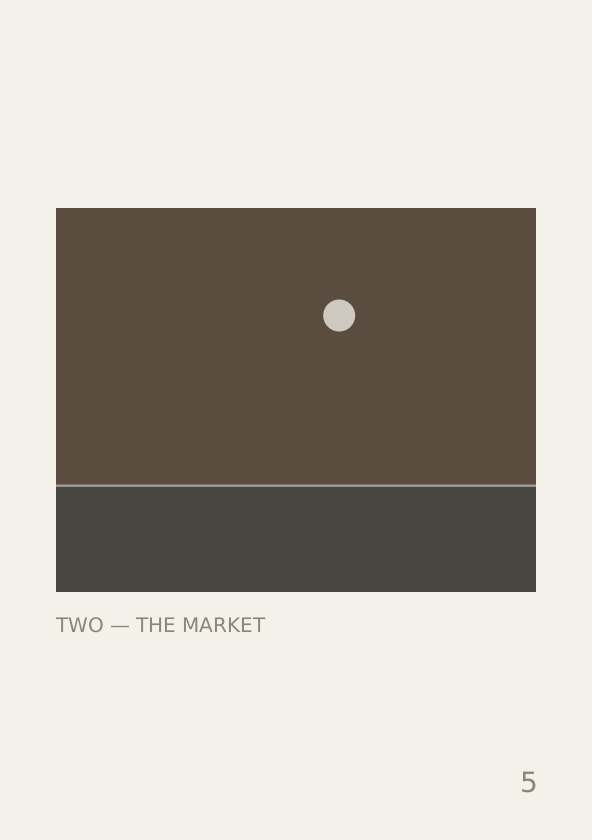
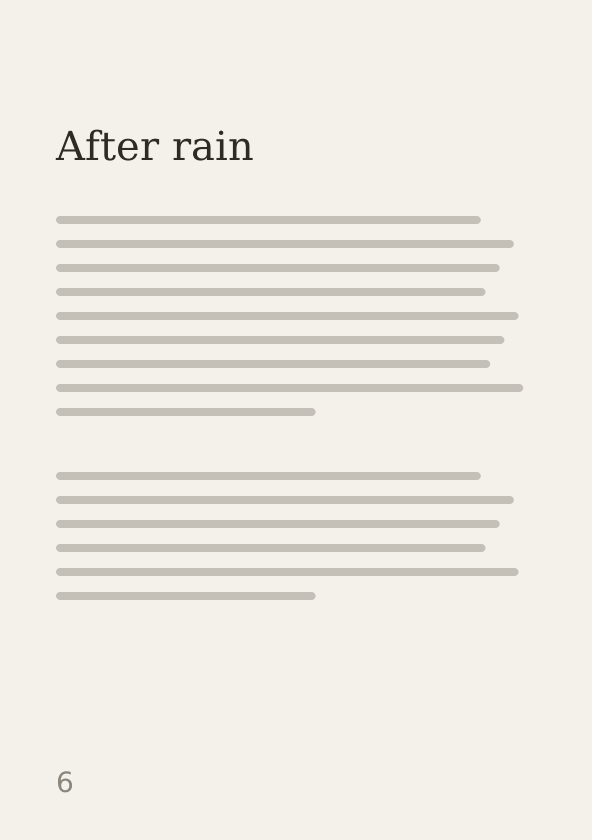
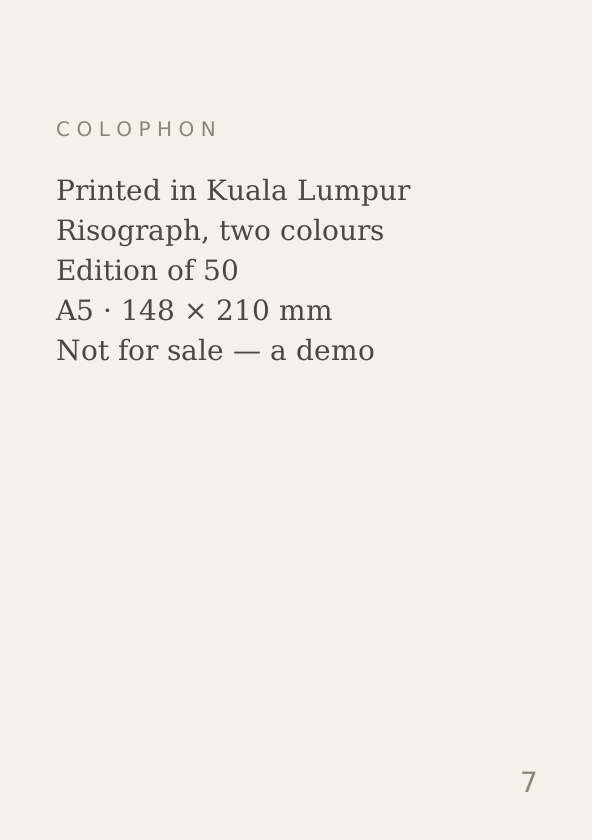

01 / 05
Front cover
Pinch to zoom, or turn the phone sideways for a bigger spread
01
Photograph single pages, not open spreads
This is the most common mistake. Upload one page per photo, in reading order, and we’ll pair them into spreads.
If you photograph the book lying open, each photo already shows two pages. We’d pair those again, and you’d get four pages across the screen with the fold in the wrong place.
The cover is page 1 and shows on its own, like a real book. So the first spread is pages 2 and 3, just as in print.
02
Upload 4 to 20 pages
It’s a preview, not the whole book: enough for readers to see the paper, the printing and the pacing, and still want a copy.
A cover, a contents page, two or three spreads and a colophon is usually plenty.
03
Enter the size in millimetres
The flipbook needs the page shape to lay pages side by side. Without it, a square zine could end up squashed into an A4 shape.
Height first, then width (A5 is 210 × 148). If your cover is bigger than the inside pages, like a card cover or a jacket, enter the inside size in the second pair of boxes. If everything’s the same size, leave them blank.
04
Name each page (optional)
For example “Front cover”, “Contents” or “Colophon”. Type it in the box under each photo and it appears under the spread.
It’s worth doing. Without names, the caption just says “Pages 4–5”.
05
Choose flipbook or gallery
In your dashboard, open the book and find How it is shown. Pick the flipbook, or leave it as a gallery.
Not every book suits a flipbook. A folded broadsheet, a concertina or a box of loose cards has no pages to turn, and a flipbook would misrepresent it. Use a gallery for those. Gallery is the default.
Tips for photographing pages
Lay each page flat and shoot straight on, in daylight near a window rather than under a ceiling light. A phone camera is fine: this is a record of the book, not a reproduction.
Crop tight to the page edge, the same on every page. Pages sit side by side, so an uneven crop shows straight away.